Brand.
Where the Fetch mark comes from, and the logo, colors and type ready to download, with a short guide to using them.

One zip with every logo as SVG and PNG, pixel-fitted favicons and the social card.
Download brand kitCredit Fetch with the Routed by Fetch lockup, and use the square tile wherever your app lists providers by icon.
Origin.
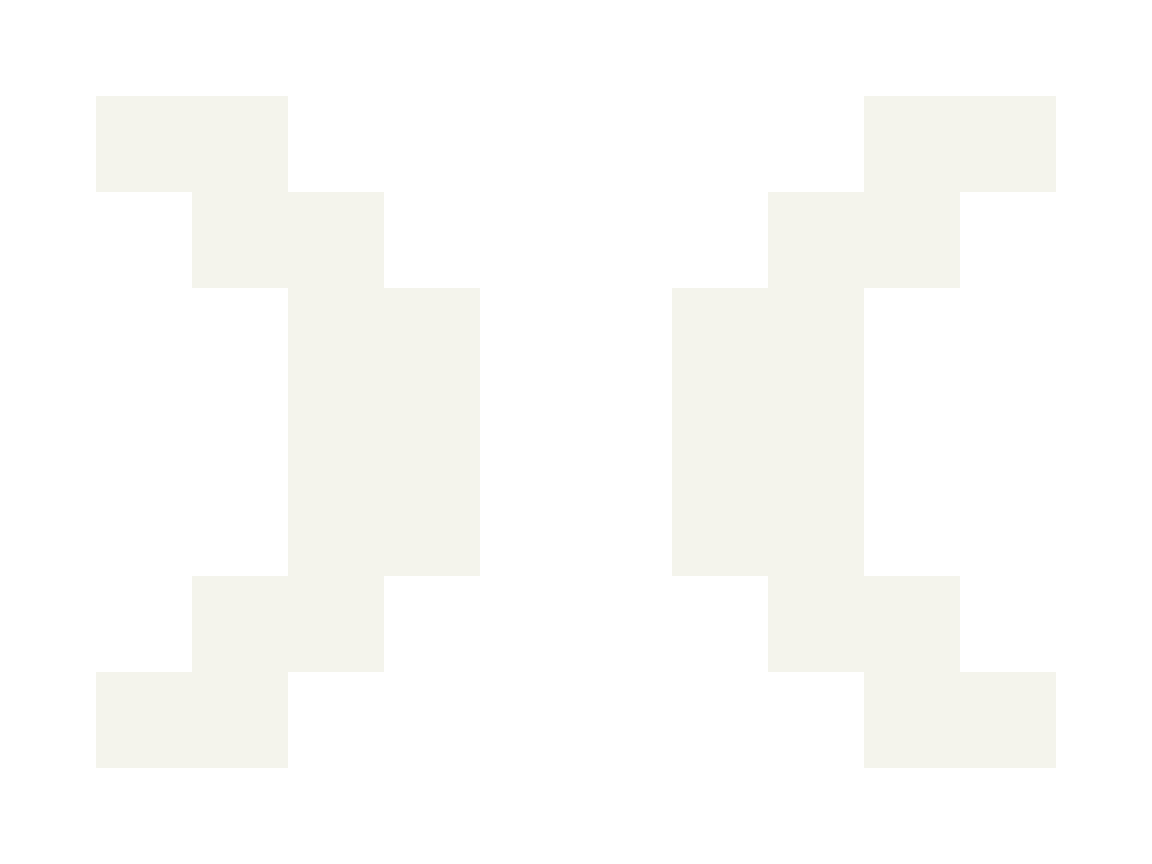
The mark is two halves facing each other: )(, or fetch() turned inside out. The space between them is what Fetch does: you meeting the path, and the path meeting liquidity.
It’s drawn from the most famous accessory in Doge culture: the pixel sunglasses.
01The glasses
The pixel sunglasses every Doge wears. Each lens steps in one pixel per row.
02The inner edges
Take the two pixels of each lens that face the bridge. The bridge between them is two pixels wide.
03Mirrored
Reflect those edges upward and the mark appears: two halves facing each other across the bridge.
Every pixel is a block.
The mark is 28 blocks on a 10 × 7 grid. FETCH is drawn on the same grid, one block per stroke. Wherever a stem meets a bar, the corner gives up a block, the same step the mark takes.
Logo.
Two parts, the mark and FETCH, used together or on their own. Every file comes in a light and a dark version, and keeps one bridge (the 2-block gap in the mark) clear on every side.
Full logo
The mark and FETCH together, the primary logo. Use it wherever there is room: headers, slides and press.
Mark
The )( on its own, for small or square spaces where the name is already nearby.

Wordmark
FETCH on its own, drawn block by block. Use it where the mark already appears nearby.


Routed by Fetch
Credits Fetch inside your app. Use the one-line version in footers, swap screens and token lists, and the stacked one where space is narrow. Show it 14, 28 or 42 px tall.



App icon and coin
The mark on an ink tile or coin. Use it for token lists, wallet and app directories and social avatars.









Small sizes
Favicons for browser tabs and bookmarks. Use these files rather than scaling the tile down: each one puts every block on whole pixels.
 Fetch — SwapNew tabFetch — SwapNew tab



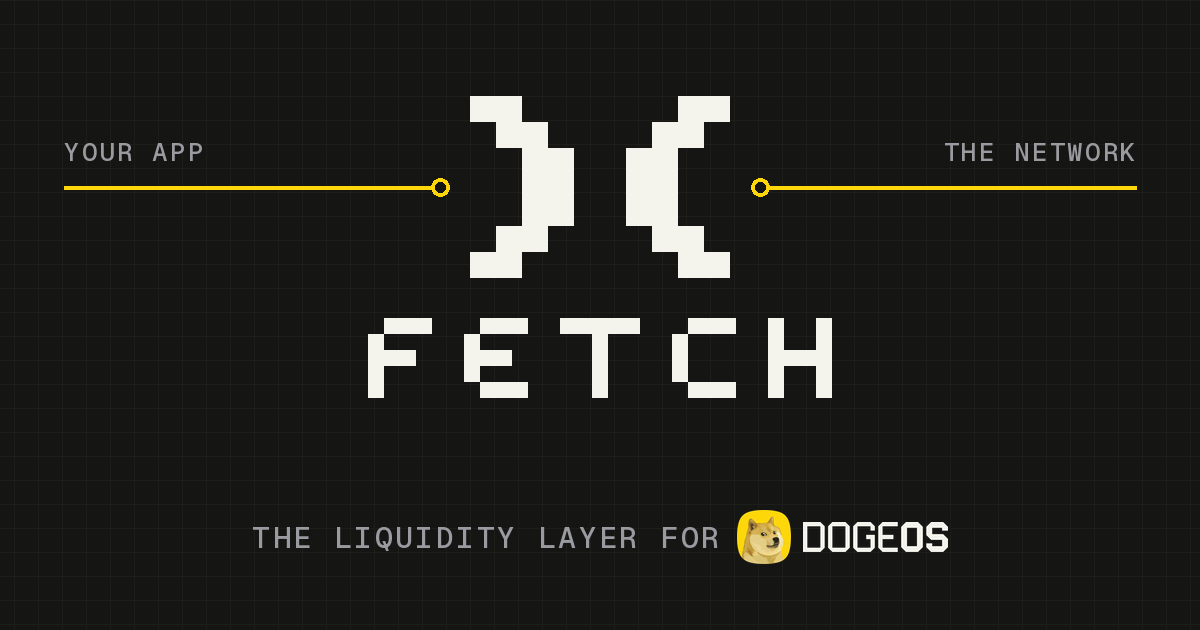
Social card
Partner pairing.
Give the logo room to hold its own next to other logos. For the full logo, leave at least the width of the H in FETCH either side of a divider, or two without one. For the mark, leave two halves of the mark. Line the logos up on a shared baseline and make them optically the same height.
Logo misuse.
Use the logo as provided. Even small changes wear down what makes it recognisable. These are the common mistakes; they aren’t the only ones.
Color.
Minimal and confident. Fetch leads with Ink and Paper, and uses Signal as the accent for actions and emphasis.
/* INK */
FETCH_HEX = #171B17
FETCH_RGB = 23 27 23
/* PAPER */
FETCH_HEX = #F4F4ED
FETCH_RGB = 244 244 237
/* SIGNAL */
FETCH_HEX = #FED70B
FETCH_RGB = 254 215 11
Type.
Fetch uses Geist and Geist Mono, free under the SIL Open Font License. Use Geist for text and Geist Mono for addresses, data and labels.
The logo uses no font: FETCH and “ROUTED BY” are drawn block by block, so always use the files.
Usage.
 14 px21 px28 px
Do
- Write the name as “Fetch” in running text, with a capital F.
- Link the logo to fetch.zone when you show it on the web.
Don’t
- Place it on busy photos or low-contrast backgrounds.
- Combine it with your own logo into a new mark.
- Use the Fetch name or mark in your product name, app icon, domain, token name or ticker.
- Suggest that Fetch endorses, audits, partners with or operates your product.
Permission.
You may use the Fetch name and logo to refer to Fetch: to show that your app routes trades through Fetch, to link to Fetch, or to write about Fetch. Follow the guidelines above when you do.
Anything else needs written approval from the Fetch team first. That includes advertising, co-branded announcements, merchandise and any use that could suggest a partnership. Using the logo does not create a partnership or an endorsement.
We may ask you to change or stop a use that doesn’t follow these guidelines.